Your whole day, in one calm place.
Plan your hours, keep your routines, track your money and goals, and write a private diary. No account, no cloud, no ads. Everything stays on your phone.
Version 2.7 · 241 KB · How to install
Free · Android 7.0 and later · Works offline
See all features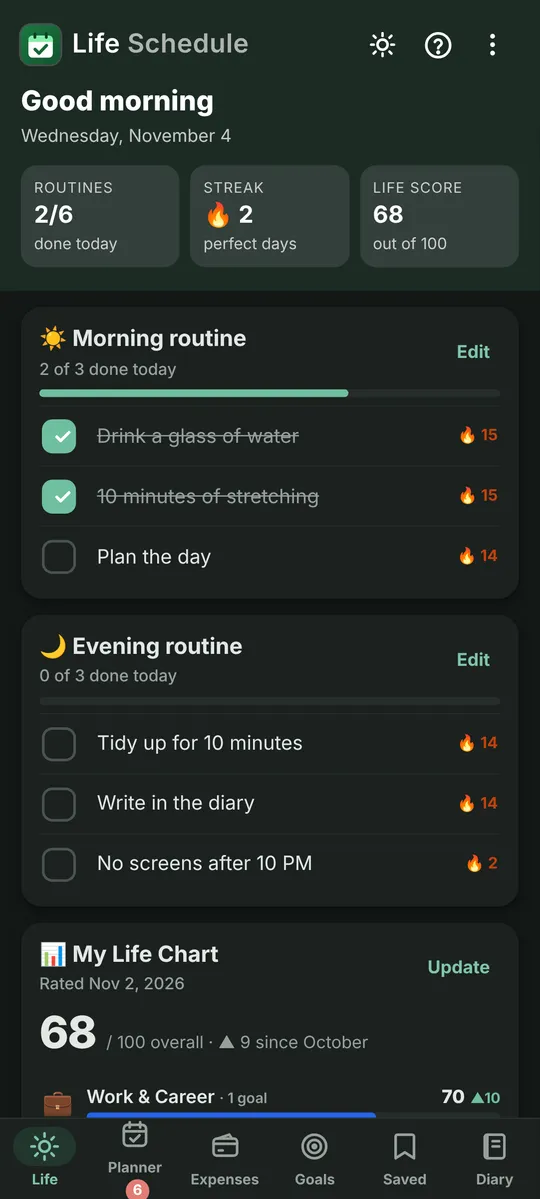
No account
Open it and start. Nothing to sign up for.
Private by design
Your data never leaves your phone.
Works offline
No internet needed, ever.
Tiny
Under 1 MB to download.
Everything you track, in six simple tabs.
Life
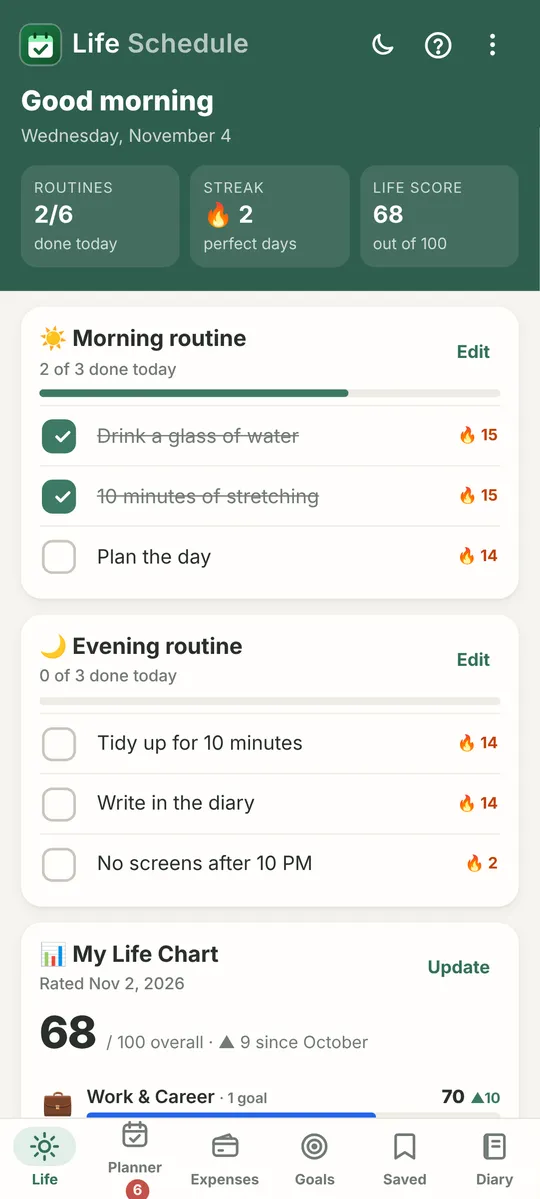
Daily routines and habits, with streaks and a chart of how balanced your life is.
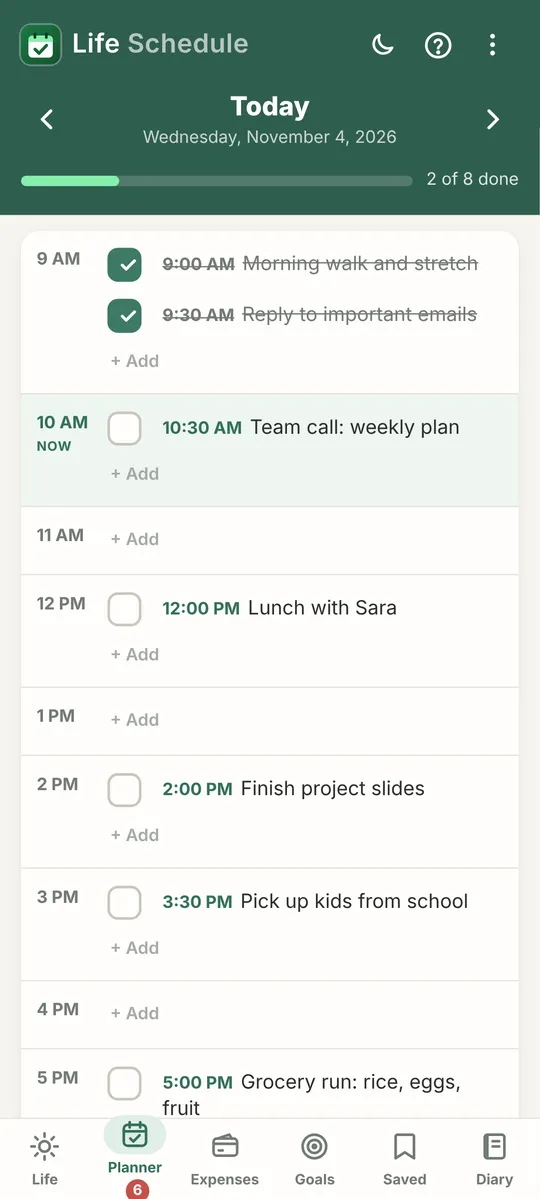
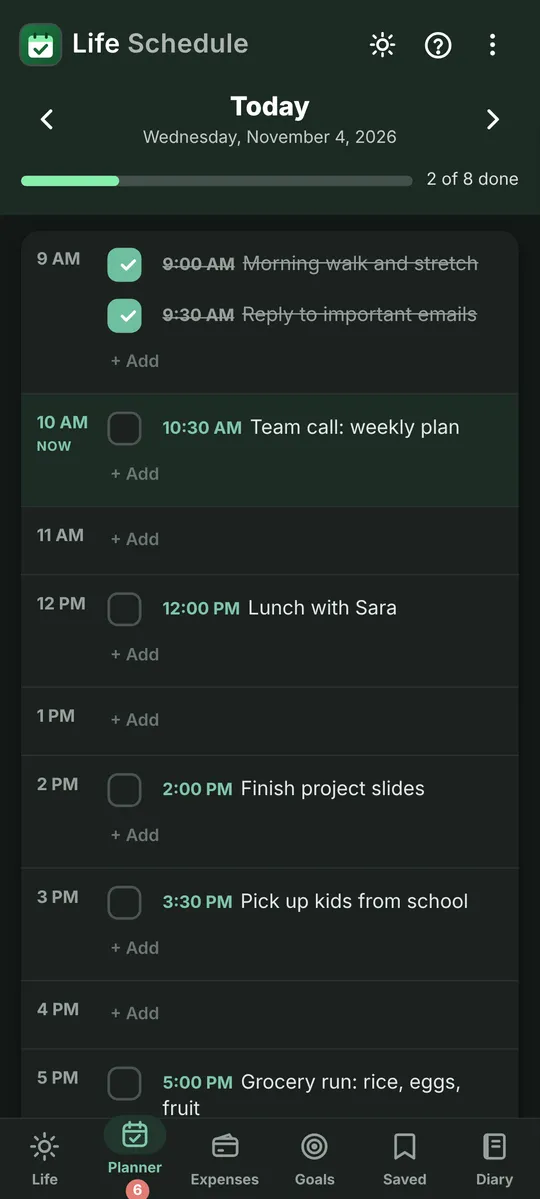
Learn morePlanner
Your day hour by hour, with reminders that keep nudging you until it’s done.
Learn moreExpenses
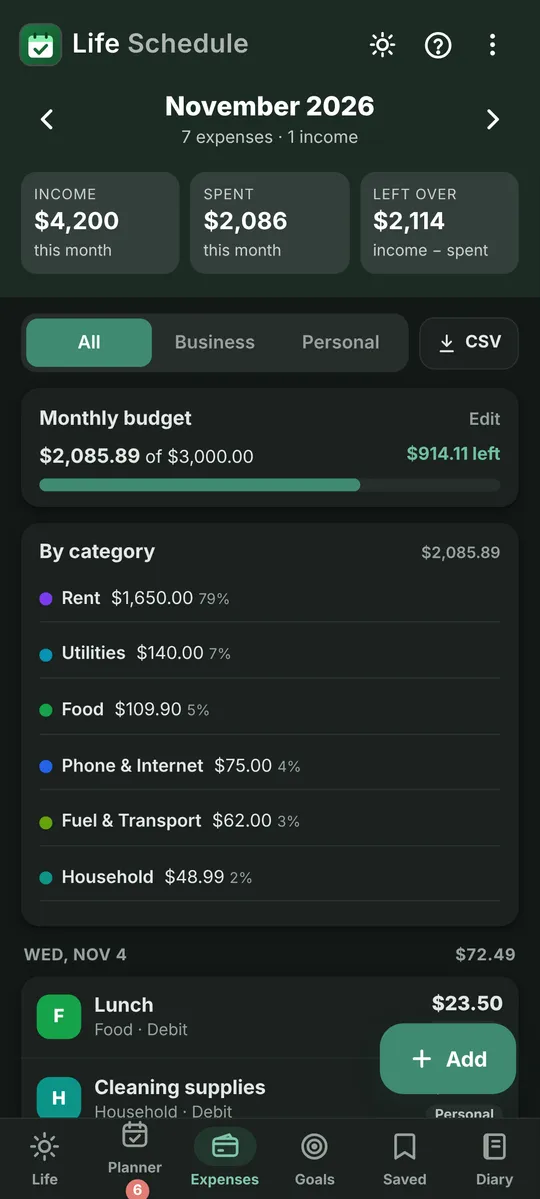
Income, spending and a monthly budget. Export to a spreadsheet anytime.
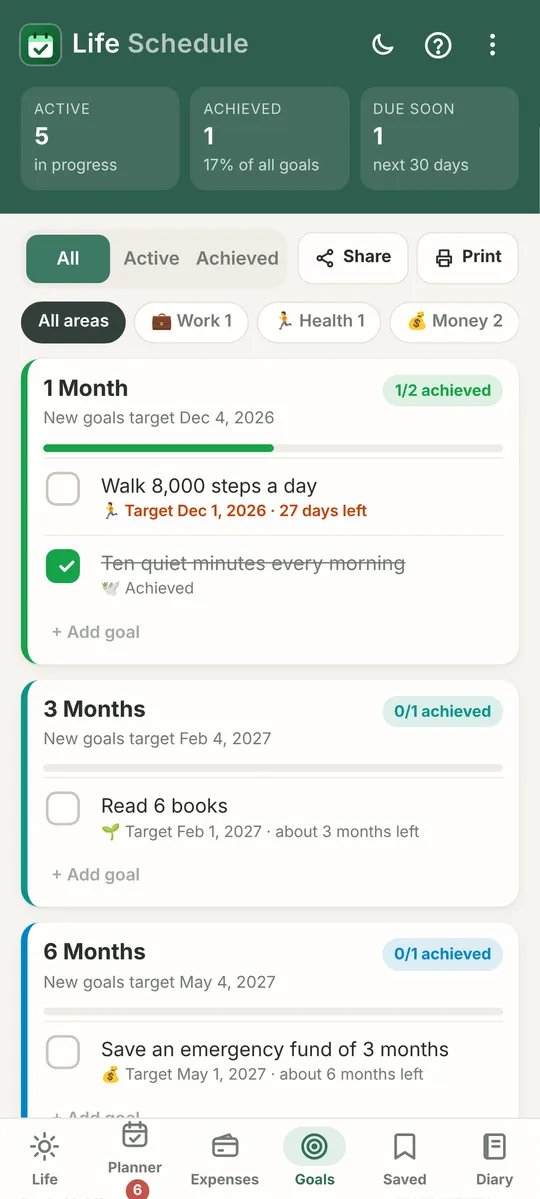
Learn moreGoals
Set goals from one month to ten years and check in on your progress.
Learn moreSaved
Keep screenshots, links and notes in your own folders. Share in from any app.
Learn moreDiary
A private journal, encrypted on your phone and unlocked with your fingerprint.
Learn more
Never miss the thing that matters.
Add a reminder to any task. Life Schedule can keep reminding you until you tap Done, or ring like an alarm for the important ones. Snooze when you need five more minutes.
- Keep reminding until you tap Done
- Ring like an alarm for the important ones
- Snooze when you need five more minutes
Your life is yours. We never see it.
Life Schedule has no servers and no sign-in. Your plans, money and diary are stored only on your phone. The diary is encrypted, and you can lock any tab with your fingerprint. Back up to a file whenever you like, and keep it wherever you choose.
- Stored only on your phone
- Diary encrypted with your password
- Lock any tab with your fingerprint
- Back up to a file, kept where you choose

Diary locked
Encrypted on this phone
In your language, in your light.
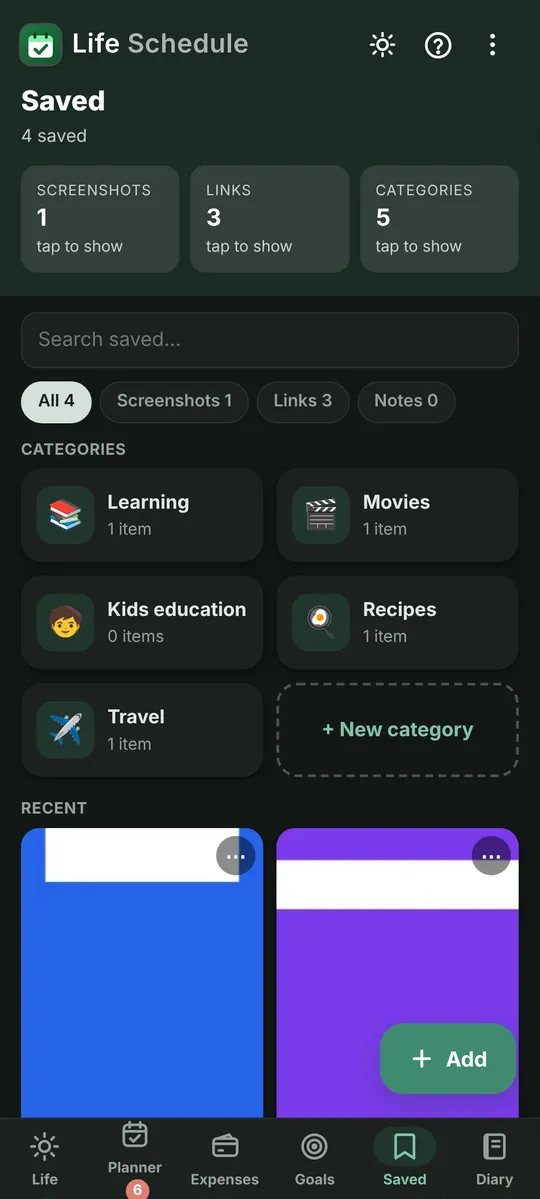
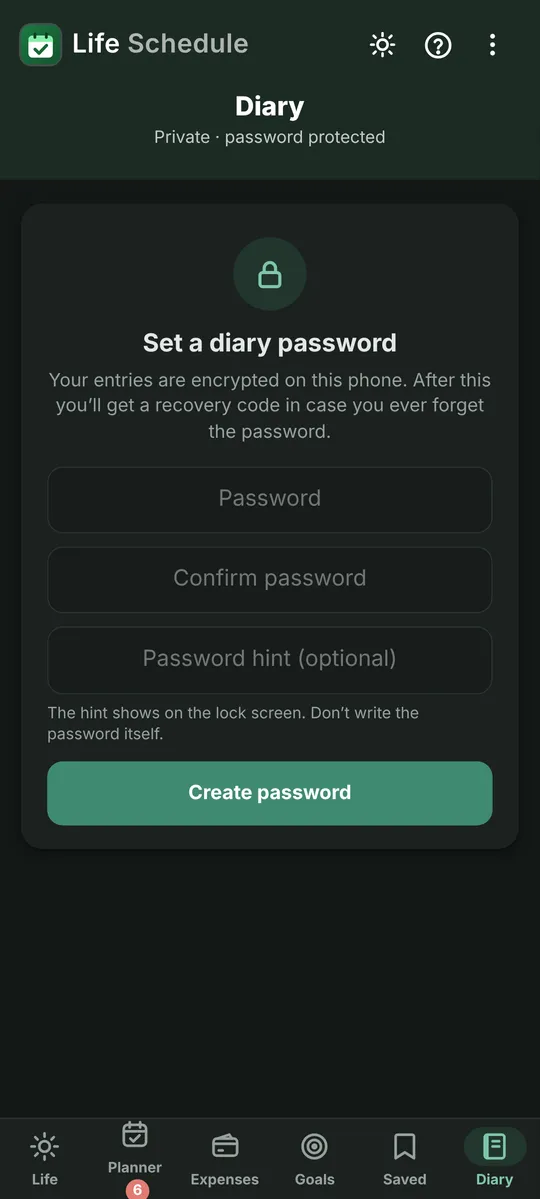
Use it in English, 中文, हिन्दी, Español, العربية or اردو. Choose a soft light theme, an easy-on-the-eyes dark theme, or let it follow your phone.
Six languages
- English
- 中文
- हिन्दी
- Español
- العربية
- اردو
Three themes
- Light
- Dark
- Auto
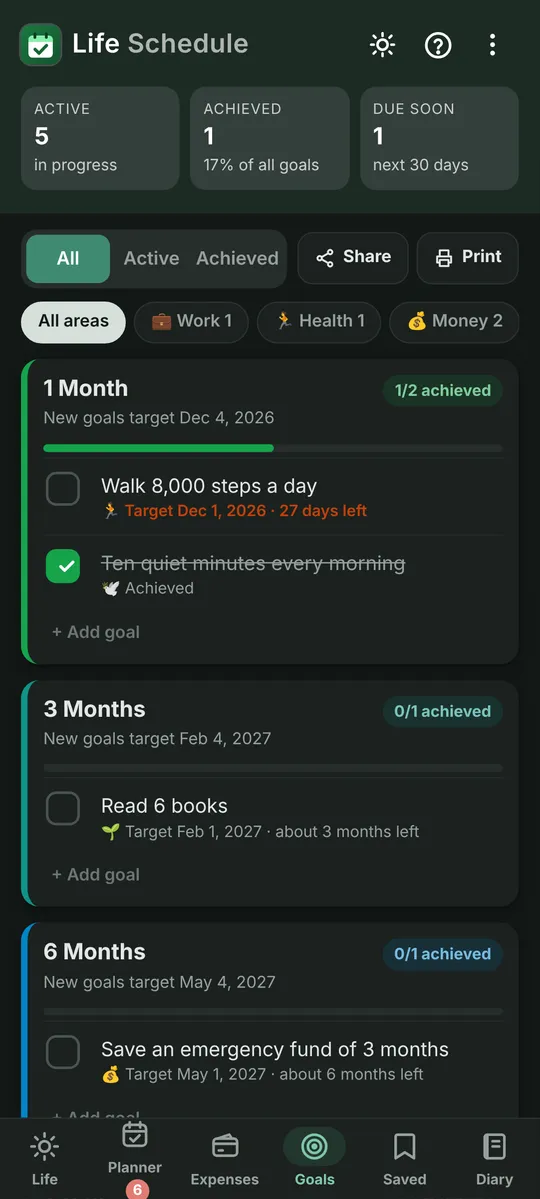
Calm screens, made to be read at a glance.
Life Planner 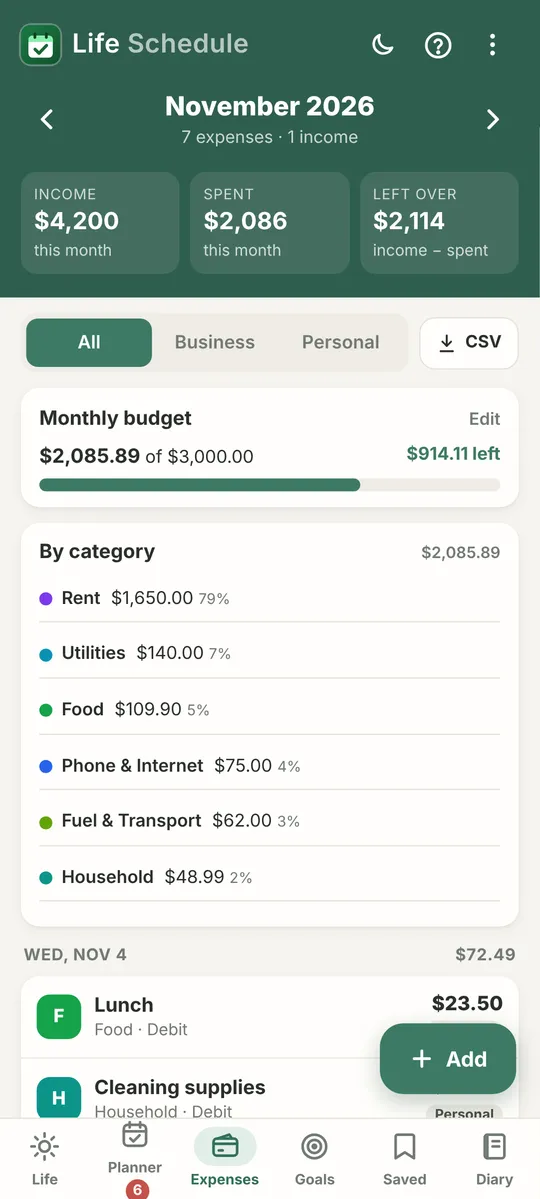
Expenses Goals 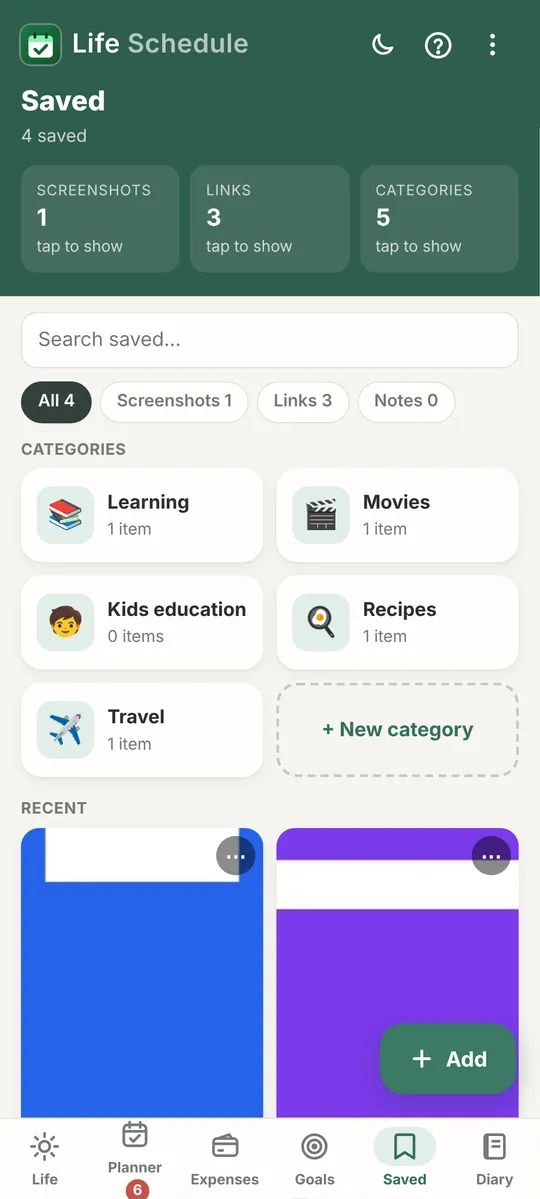
Saved 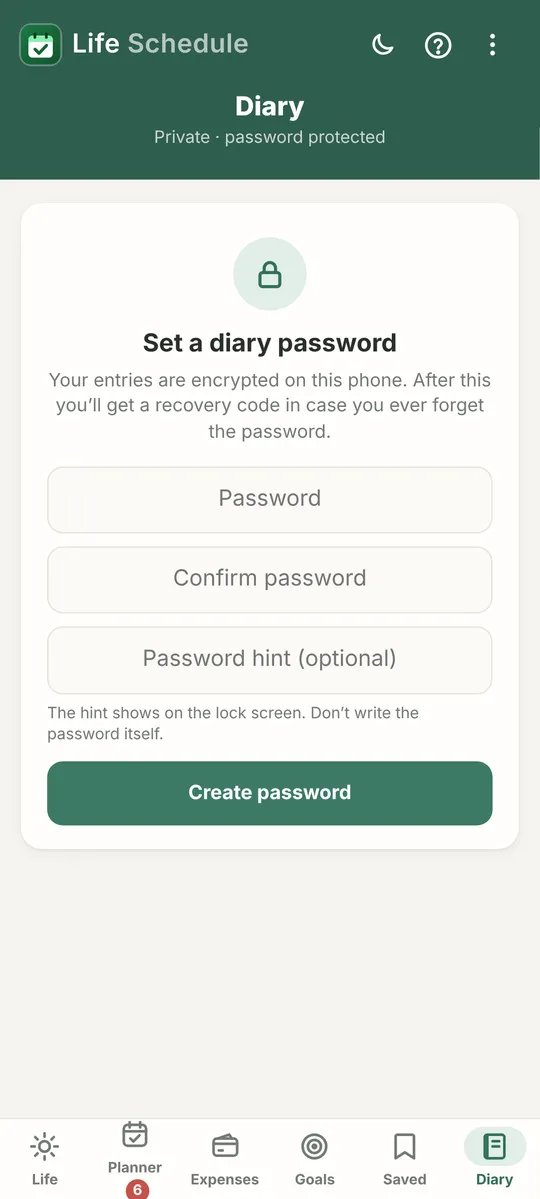
Diary


Start planning a calmer day.
Free · Android 7.0 and later · Works offline · No account needed
Version 2.7 · 241 KB · How to install